What It Is
An open-world city game built around speed, missions, and pressure
Quenq Vice City blends fast driving with on-foot action in a city that leans into retro
crime energy. The feel is less about perfect simulation and more about reading traffic,
grabbing opportunities, and staying mobile when a mission or chase suddenly changes pace.
You are free to cruise, explore, and bounce between vehicles, missions, and street fights,
so the game works best when you treat the city as a playground instead of a strict racing
track.
Visual Style
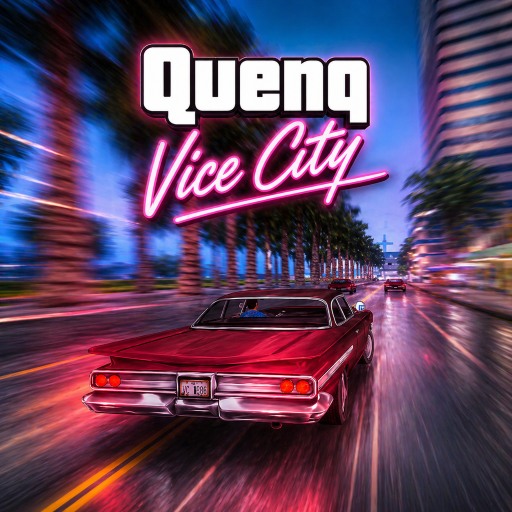
Neon roads, dense districts, and a strong Vice City-inspired mood
The setting pushes a bright 1980s-flavored nightlife aesthetic with glowing signage,
coastal stretches, and crowded urban blocks. That style is not just cosmetic because each
part of the map changes how aggressively you can drive.
Road Reading
Different streets call for different habits
- Highways reward top speed and smoother lines when you want to build momentum.
- City streets mix traffic, tighter turns, and more frequent decision-making.
- Narrow alleys demand quick corrections and punish oversteering.
- Coastal roads look open, but curves and roadside obstacles can still catch you out.
- Intersections are the highest-risk spaces because traffic and braking patterns change fast.
The fastest route is not always the cleanest one. Good runs come from knowing where you can
stay aggressive and where the city is about to force a correction.
Vehicles And Heat
Handling matters just as much as top speed
Some vehicles are better for long straightaways, while others are easier to recover with
when traffic gets messy. The wanted-style pressure system makes that tradeoff important,
because escaping trouble usually depends on route knowledge and control more than raw power.
Missions become easier once you stop treating every road like a sprint and start picking
the vehicle that fits the district, the chase, and the amount of space you actually have.